If you have a page of testimonals as snippet blocks on a drag and drop page you can quickly add them as a testimonial slider to any page content using the SNIPPET BLOCK SLIDER
Visit the Slider overview page for more info on slider snippet blocks.
A Drag-drop testimonial page
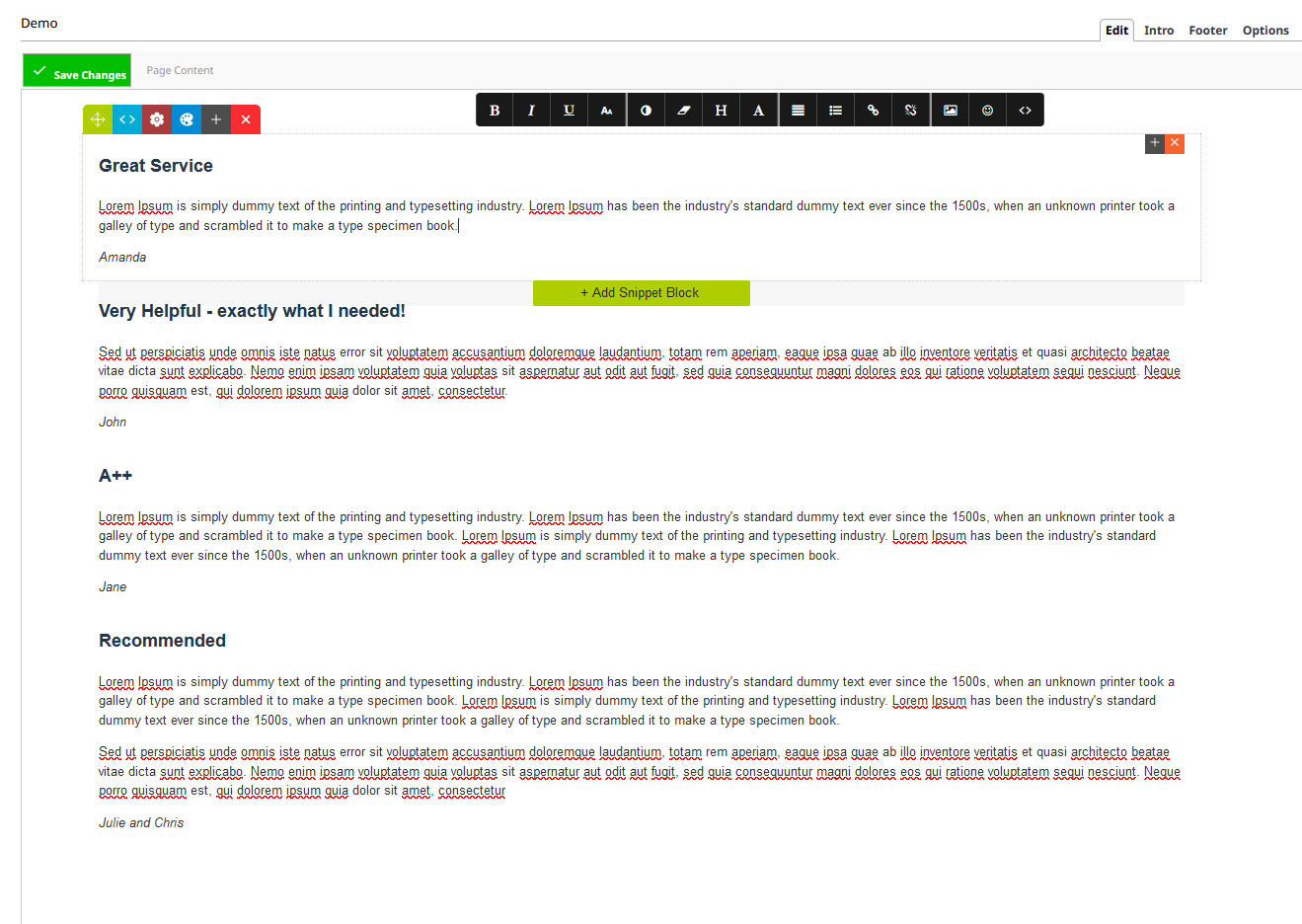
Below is an example of a testimonial page created with drag drop snippet blocks. The first testimonial was crafted then the snippet block duplicated with the text updated for each testimonial.
To work with a snippet slider block, the testimonials must be contained within one snippet block as shown below:
Any snippet block can be used for a slider
You can create a text snippet-block and then style the text content as you see fit.
There are also some dedicated quote/review snippets the can be found in the Quotes area of the snippet panel.


Quote snippet

Review snippet
Adding the Snippet Block Slider - linking to the testimonial page
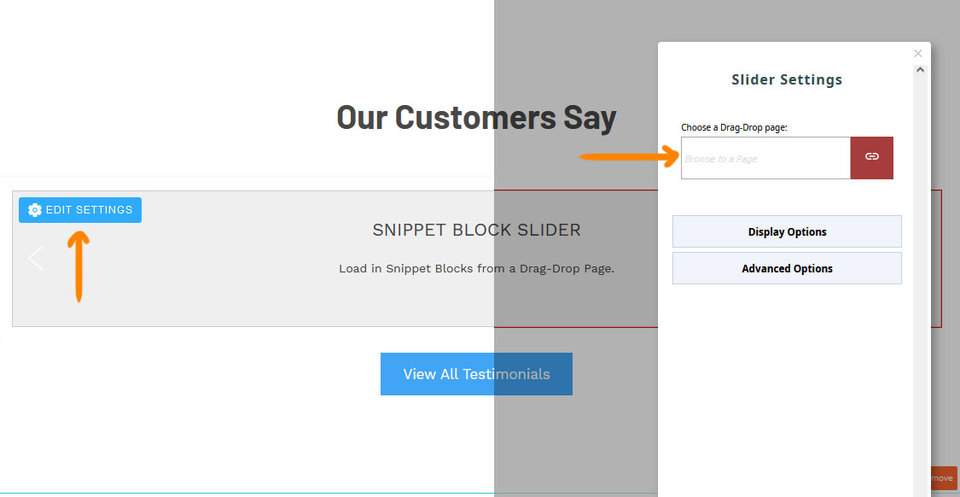
Once added to the required page e.g. Homepage, you can browse/link your testimonial page using the Edit Settings Button, then Choose an Drag-drop page.
You can also change the display options of the slider e.g. hide arrows, fade mode etc.
Slider Example
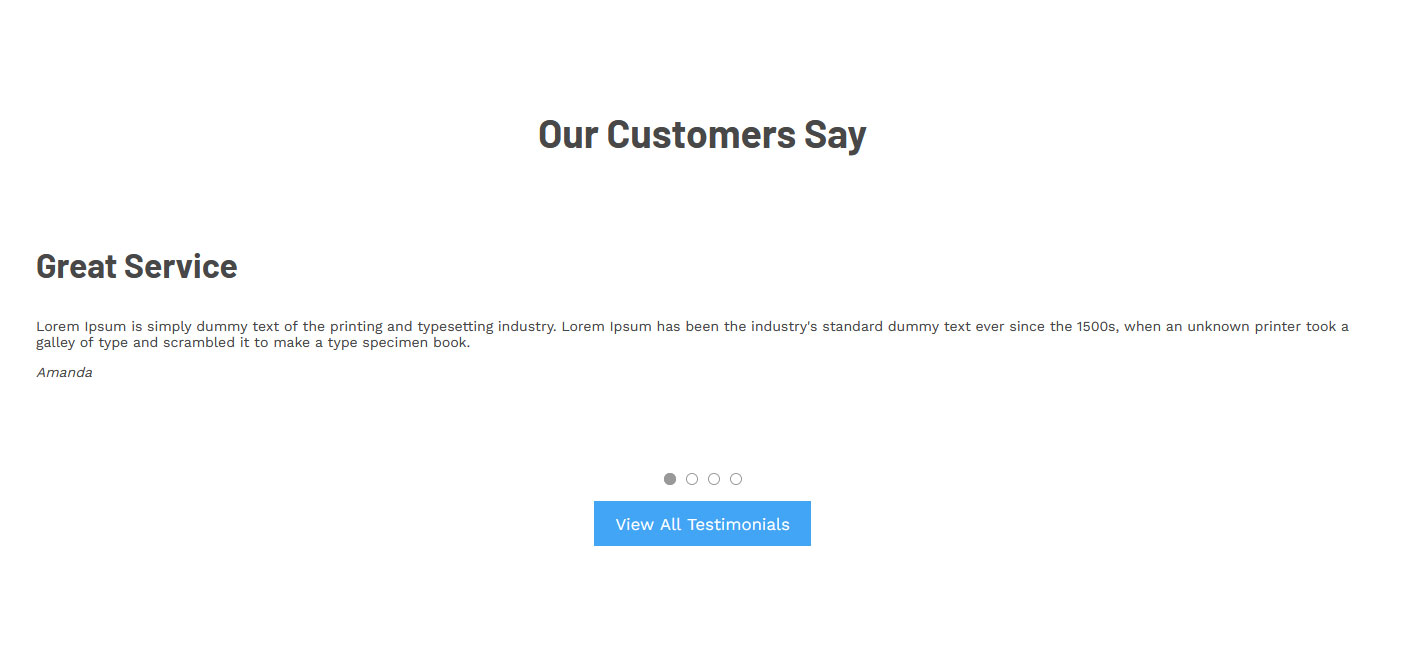
Below is our example testimonial showing one slide with arrows hidden. A H2 heading and button linking to the testimonials page have also been added.