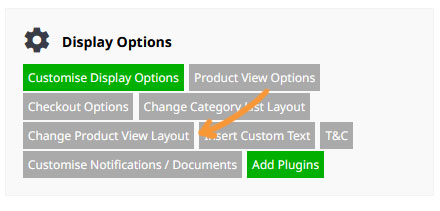
You can choose various layouts for the product page via the E-Commerce > Change Product View Layout button.
- Click the E-COMMERCE button from the main menu.
- In the Display Options area, click the Change Product View Layout button.
- Choose the Product View Layout to use.
More settings related to the Product View layout can be changed via the Product View Options button.