
You can add an enquiry form to your Product detail pages via a display options checkbox.
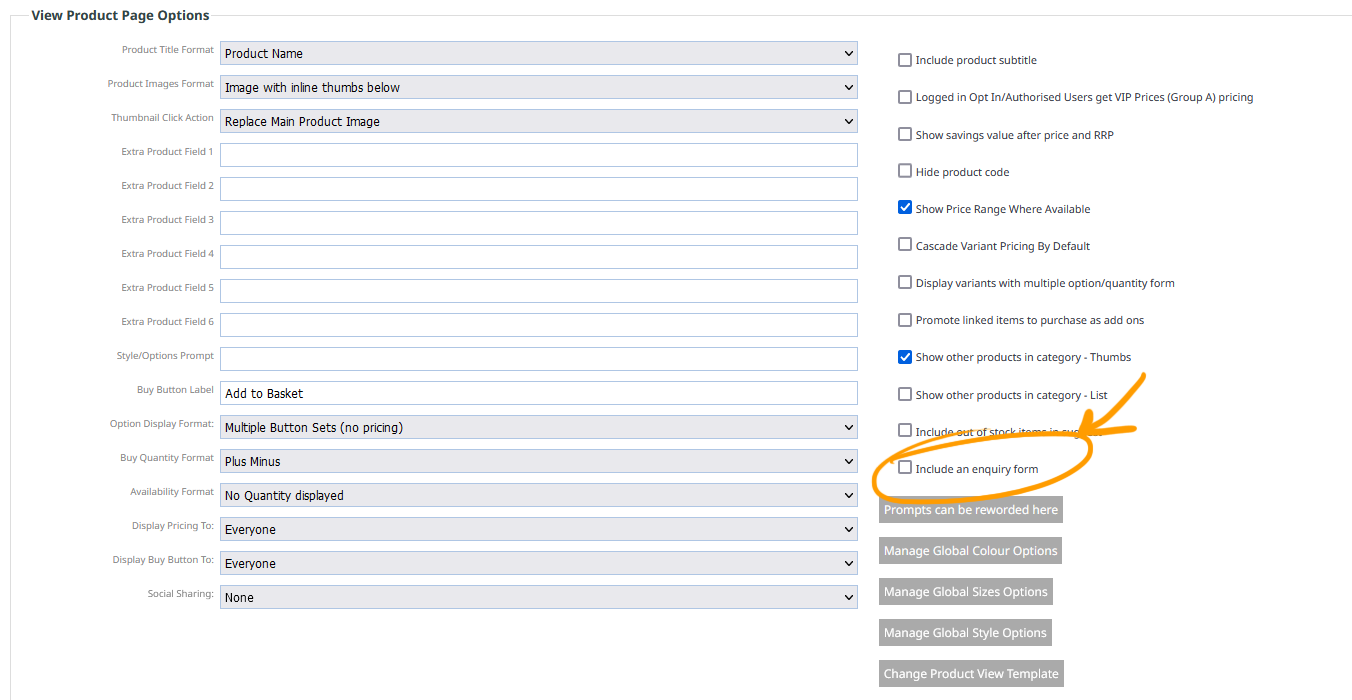
To add an Enquiry form
- Click the ECOMMERCE button in the main menu
- From the options presented on screen, find the DISPLAY OPTIONS section and click CUSTOMISE DISPLAY OPTIONS
- Find the View Product Page Options section, then click the Include an enqury form checkbox on the right-hand side.
Selected product pages
You can also selectively add enquiry forms to individual product pages. when editing each product page look for the addr enquiry form tick box under visibility settings