You can convert any standard snippet block to run as a Marquee Slider that slides aross your webpage.
How to enable the Marquee Slider option
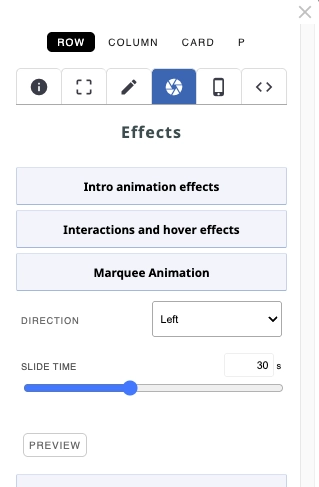
- Click the RED COG ICON at the top of the snippet block to open the Style Editor popup.
- Ensure the ROW button is highlighted (it will be by default)
- Once the popup opens, click the EFFECTS tab (camera lens icon)
- Open the settings Marquee Animation
- Apply the required settings
- (Optional) click the PREVIEW button to see the animation in action.
How to enable the Marquee Slider to go fullwidth of the browser window (via Contentbox)
- Add the required snippet to a Contentbox Section
- Enable the Marquee Slider option
- Click the BLUE COG ICON at the top of the Contentbox Section to open the Contentbox Settings popup.
- Set the CONTENT WIDTH dropdown to MAX WIDTH.
It is recommended that you place the marquee slider in its own Contentbox section to prevent other content in the section from scaling fullwidth.
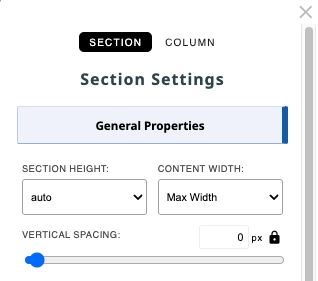
Recommended Section Settings for a Marquee Slider in its own Contentbox Section
- SECTION HEIGHT: Auto
- CONTENT WIDTH: Max Width
- VERTICAL SPACING: 0px