
Can I remove or change the Payment logo for a payment option?
Yes you can change or remove the payment logo for a specific payment method via the Payments Setting button.
- Click the ECOMMERCE button on the left-hand side of the CMS, then the Payment Options button
- Find the relevant payment option in your list of active payment options and click the green SETTINGS button
- Find the RENAME/DESIGN section and click the blue icon next to Override List Logo to upload or change the logo.
- To remove the logo you can choose the CLEAR PIXEL button option, found in the Select No Image options to the right of the image wizard popup.
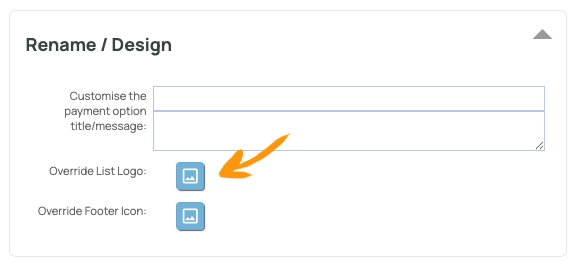
To remove the logo, use the Clear Pixel option to replace the default with an empty logo.

What does the option Override Footer Icon do?
If your theme template makes use of the [PAYMENT_OPTIONS] tag, or you have the tag added in your DESIGN > FOOTER content area, a set of payment icons will show where the tag has been added.
Uploading an image to the Override Footer Icon area, will replace the default image added here with your custom version.