You can quickly find some information as to where your domain is managed via the Domains and Mail area.
- Click the DOMAINS AND MAIL link in the main menu
- On the following screen your Domains managed to the hosting account will be listed vertically down the page.
- Click the Domain Name from the list which you would like to find information about.
- The following page will provide a number of options for managing your Domain Name, including a quick summary of domain shown in a row of boxes as the bottom of the page.
- The third box will give an indication of where it is managed e.g. Domain Managed Elsewhere, Domain Registered Here etc.
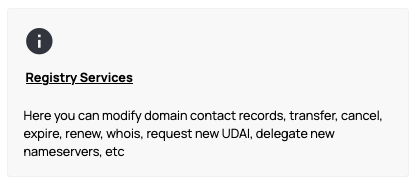
- Formore detailed information click the Registry Services link.
Finding who manages the domain via the Whois Report
One of the options on the Registry Services page is a WHOIS REPORT, which will provide information on who the current Domain Registrar is.