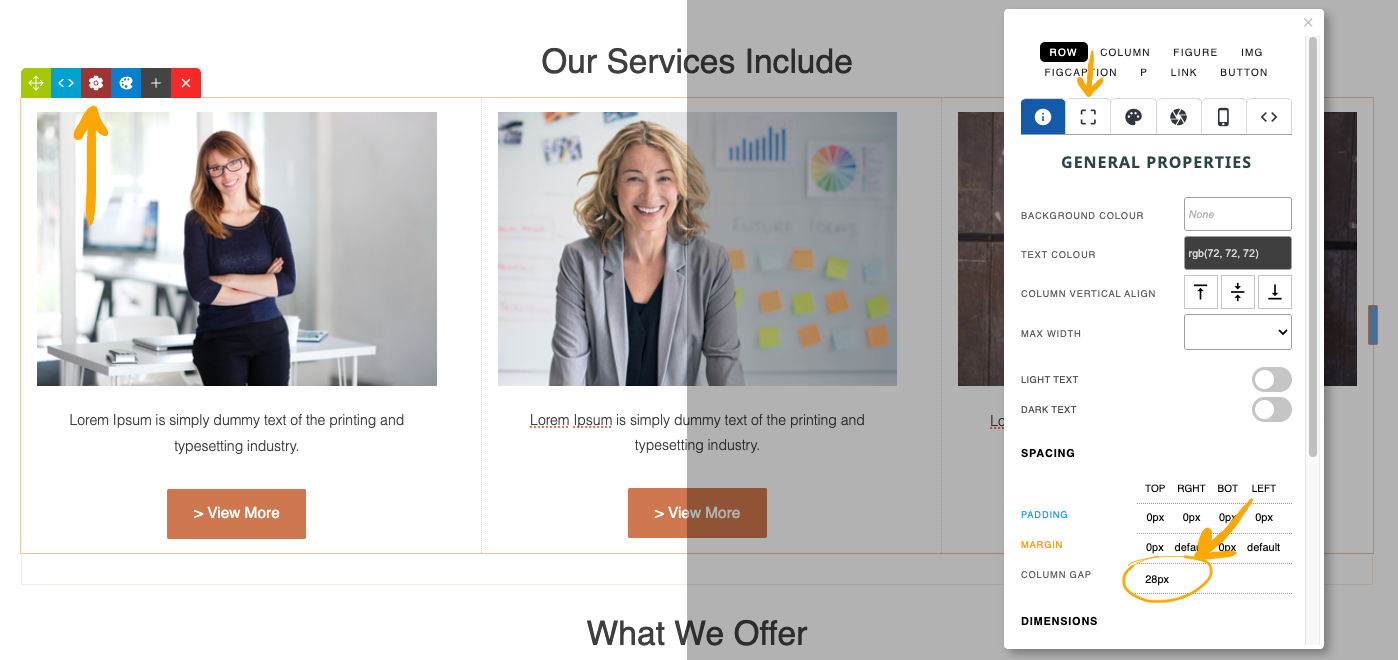
How to change the spacing of your Card Snippets
- Click the RED COG icon found in the Row Tools top-left of the snippet
- From the options that appear - click the current COL GAP value in the spacing area to jump to the setting, or click the SPACING tab indicated and open the Spacing +/- section.