Adding a Favicon (Browser Icon) can help with SEO as well as make your site more professional.
They are best as a noticeable part of your logo, such as an icon or image (if you have one as part of your logo/brand) and show best as a square or 1:1 ratio.
- First generate your Favicon - there are lots of different Favicon makers out there, such as https://favicon.io/
- Download it to your computer, they are usually zip files so you will need to extract them.
- Then in the CMS go to Design > Browser Favicon
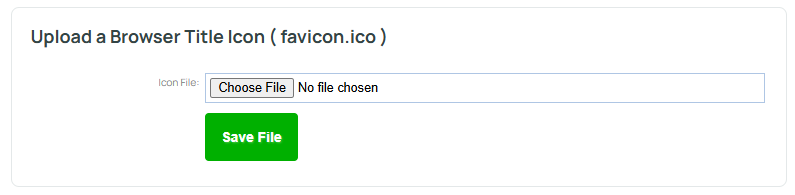
- Upload your .ico file in the top section and save.
Standard favicon sizes are 16x16px or 32x32px.
Standard apple touch icons are 180 x 180px.
- Upload your other favicon types such as Apple Touch and Android into the bottom section and save one by one.
- Publish.